

We use cookies to give you a better browsing experience. Know how we use your data.

Workflow Automation

Put AI to work across your daily operations

Connect documents, decisions, and business tools into workflows that reduce repetitive effort and keep people involved where judgment matters.

AI Automation & Workflow Transformation

Automate repetitive business activities and connect AI with operational processes.

Connect AI-assisted steps with triggers, business rules, approvals, and the tools your teams already use.

AI Workflow Automation

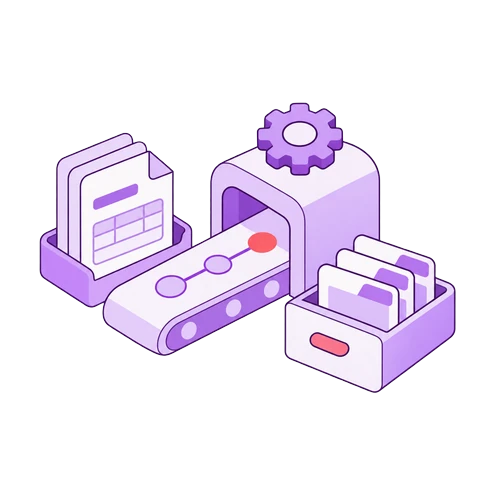
Combine document understanding, classification, and routing with established processes to move work between teams.

Intelligent Process Automation

Extend robotic process automation with AI for tasks that include unstructured information and require controlled exceptions.

RPA + AI

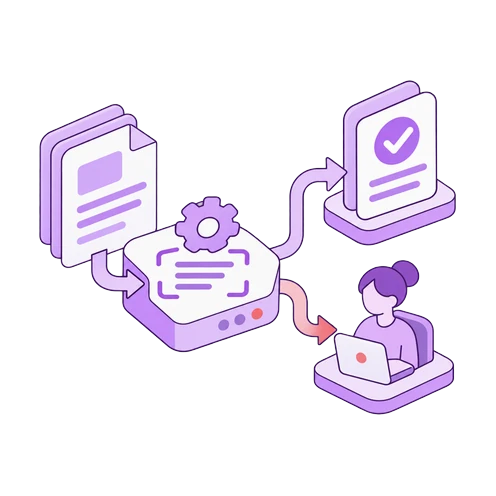
Extract and validate information from incoming documents, then route uncertain results to a person for review.

Document Processing & OCR

Support activities such as invoice intake, reconciliation preparation, and back-office document handling with traceable workflow steps.

Finance & Back-Office Automation

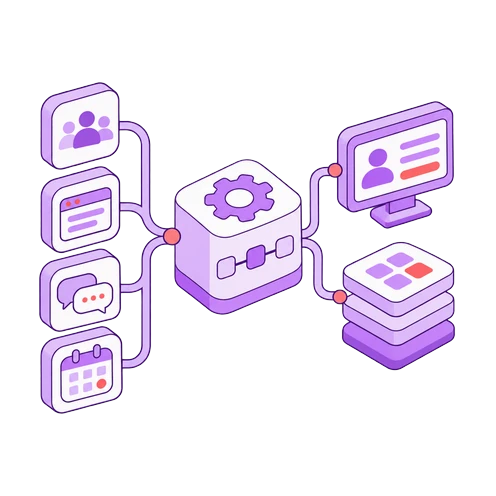
Connect lead intake, CRM updates, conversation summaries, and follow-up preparation to the relevant business systems.

CRM & Sales Automation

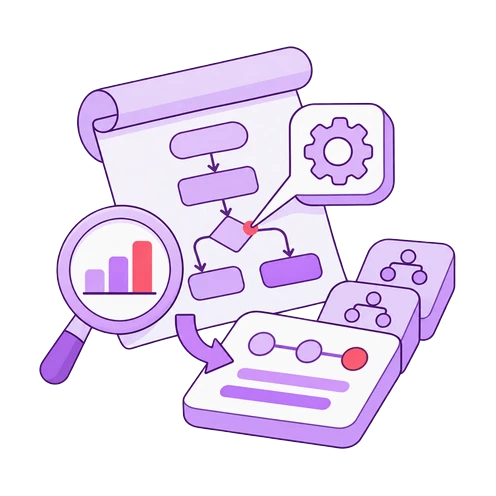
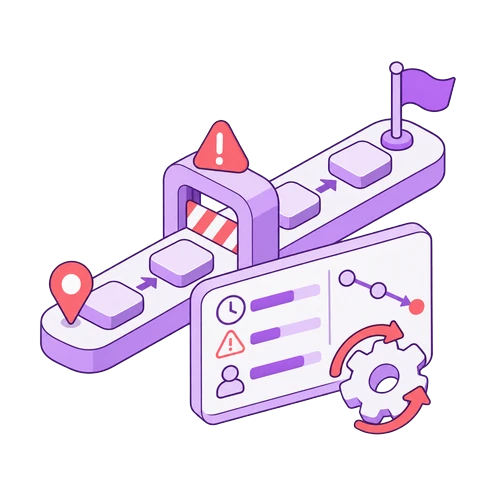
Map bottlenecks, establish a baseline, and refine the workflow against completion time, exception rates, and manual effort.

Business Process Optimization

Connect the work between your business systems

Move documents into a working process

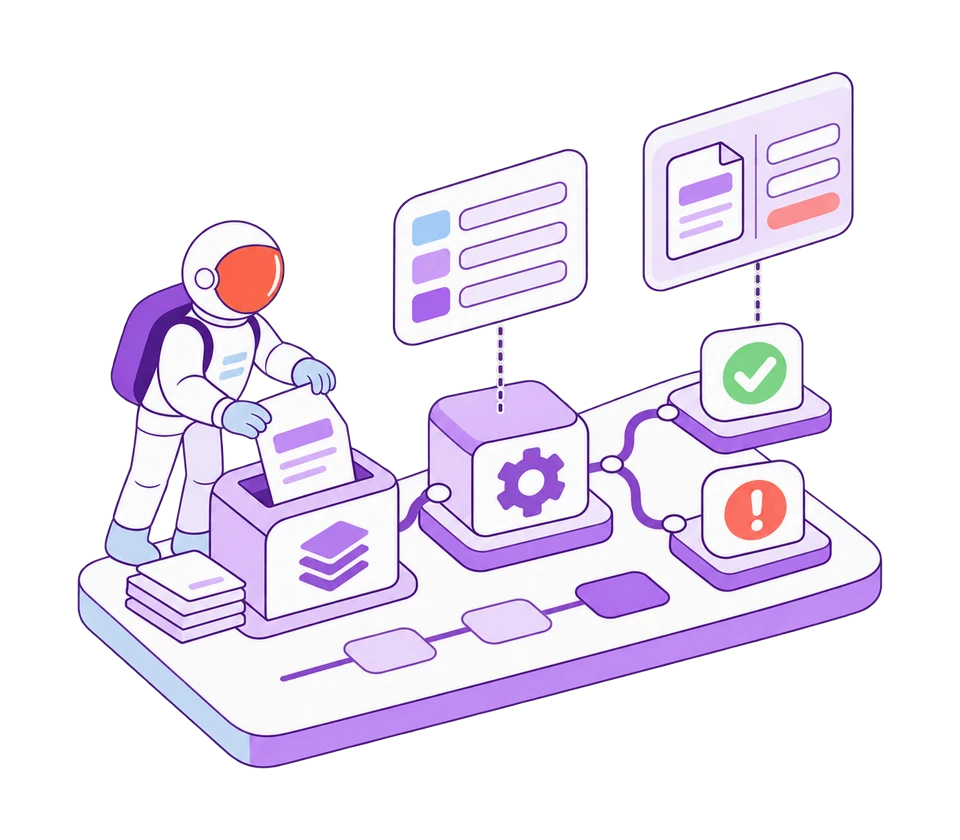
Incoming invoices, forms, and requests often need to be read, checked, and entered into another system. An automation workflow can extract the relevant information, apply validation rules, and prepare the next action. Exceptions remain visible to the team, with supporting information available when a person needs to review a result.
Reduce repetitive sales administration

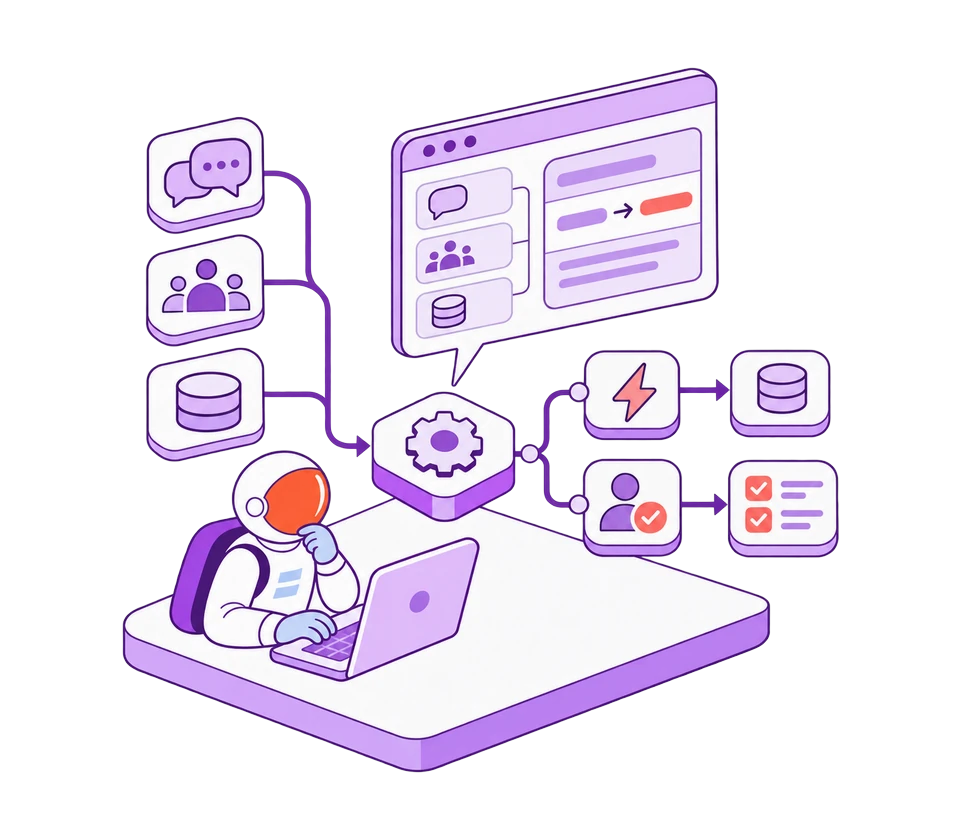
Sales teams spend time transferring context between messages, meeting notes, and CRM records. A scoped workflow can prepare summaries, propose record updates, and organize follow-up tasks. The design establishes what can run automatically and what needs approval, while preserving enough context for the salesperson to understand each proposed change.

Coordinate work across departments

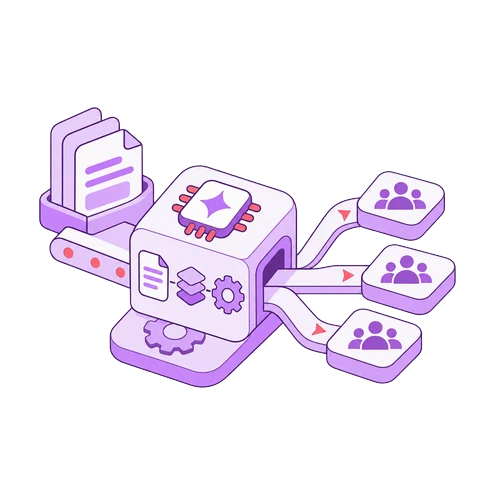
A single request can move through operations, finance, and customer support before it is complete. We map the steps and system boundaries, then connect the appropriate triggers, AI tasks, and approvals. Task status and exception handling help teams see where work is waiting and how to continue after a failed step.

Automation that fits the way your teams operate

Inputs and validation

Documents, messages, and structured events are assessed against the fields, rules, and confidence needed for the next workflow step.

Business system connections

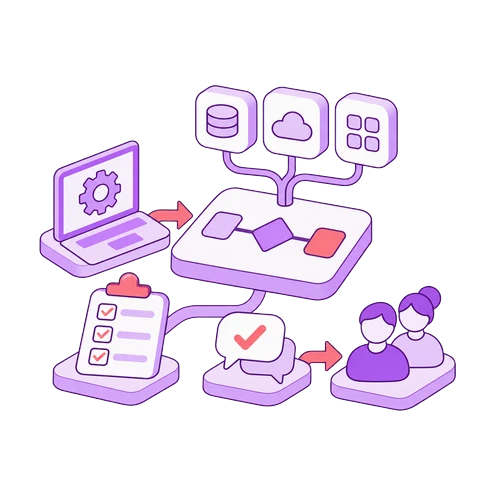
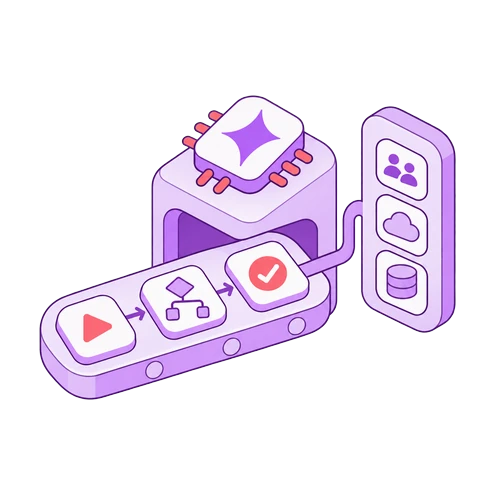
APIs and available automation interfaces connect the workflow to CRM, finance, and operational tools with permissions scoped to the required actions.

Review and recovery

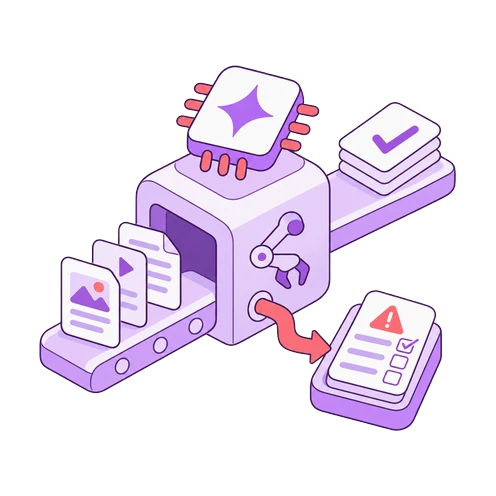
Approval queues, visible task state, and retry behavior help people review uncertain cases and resume work when a dependency is unavailable.

What you take forward

  • A workflow map showing triggers, systems, approvals, exception paths, and ownership of each step.
  • Working integrations and automation logic for the agreed business process and supported input types.
  • Evaluation examples covering extraction quality, routing decisions, incomplete inputs, and failed downstream operations.
  • An operating guide describing monitoring, recovery, escalation, and how workflow changes should be reviewed.

Our approach

From your first question to everyday use

Automate repetitive business activities and connect AI with operational processes.

Map the workflow

Identify inputs, systems, manual steps, exceptions, and the people responsible for decisions.

We examine the process with the people who run it, including uncommon cases and work handled outside the main system. This creates a realistic baseline for the proposed automation.

Design the automation

Define triggers, AI tasks, approval points, and recovery behavior for incomplete or failed steps.

The design makes each system boundary and decision explicit. Teams can review the inputs, outputs, and review points before the workflow begins performing operational tasks.

Connect and test

Integrate with the required tools and test representative cases, retries, and exceptional inputs.

Testing follows the complete journey from intake to completion. Duplicate events, incomplete documents, and unavailable tools are included because they affect how the workflow behaves in daily use.

Roll out and improve

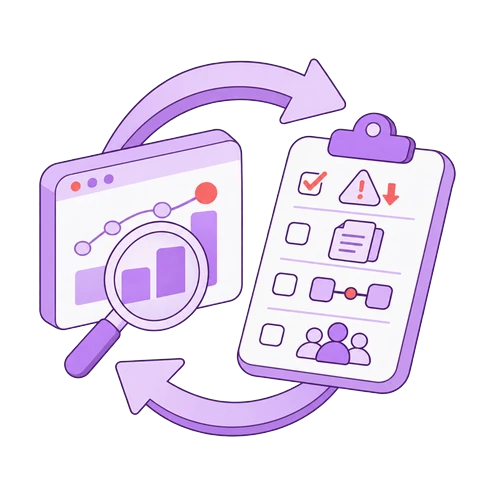
Introduce the workflow in stages and review quality, time saved, and operational feedback.

The rollout begins with an agreed set of inputs and users. Feedback and operational measures guide changes to business rules, review thresholds, and the scope of automation.

Find the workflow that is ready for automation

Engagement models that fit your next step

Workflow assessment

Map one operational process, establish its baseline, and identify where automation can help. The engagement produces a proposed workflow and the dependencies needed to evaluate or implement it.

Automation delivery

Design, build, and integrate a defined workflow with your business tools. Delivery includes representative test cases, review points, and a handover for the people who will operate and maintain it.

Continuous optimization

Review the performance of deployed workflows and prioritize the next improvements. This can include reducing exceptions, improving document handling, connecting additional systems, or extending the workflow to another operational team.

Solutions we would not have thought of

Simublade took our problems and converted them into solutions that we wouldn’t have thought of.

Senior Manager - Parrotforce
Parrotforce

Got questions?

We've got answers.

We assess the available APIs, data access, and automation interfaces before defining the integration approach. The workflow can then be scoped around the systems you use.

The workflow should define which cases can proceed automatically, which require review, and how failed or incomplete steps can be resumed.

Useful measures include processing time, manual effort, completion rates, correction rates, and the volume of exceptions that need human review.

The intake can be designed for the supported sources, with validation specific to each type. The assessment establishes which inputs are reliable enough for automatic processing and which need review.

Recovery behavior is part of the workflow design. Depending on the operation, it can include retries, a queued task, or a review item that retains the context needed to continue.

Rocket

Ready to turn
your vision into
reality?

The journey starts here. We're excited
to meet you.